Dirt Town Guide • 2026-11-16Controls
Controls and Keybinds: Keyboard, Gamepad and Joystick
Default input bindings for driving, hydraulic steering, boom arms, and tools across keyboard, gamepad, and joystick.
Peripheral support covers most devices, from gamepads to joysticks and wheels.
Universal Machine Controls
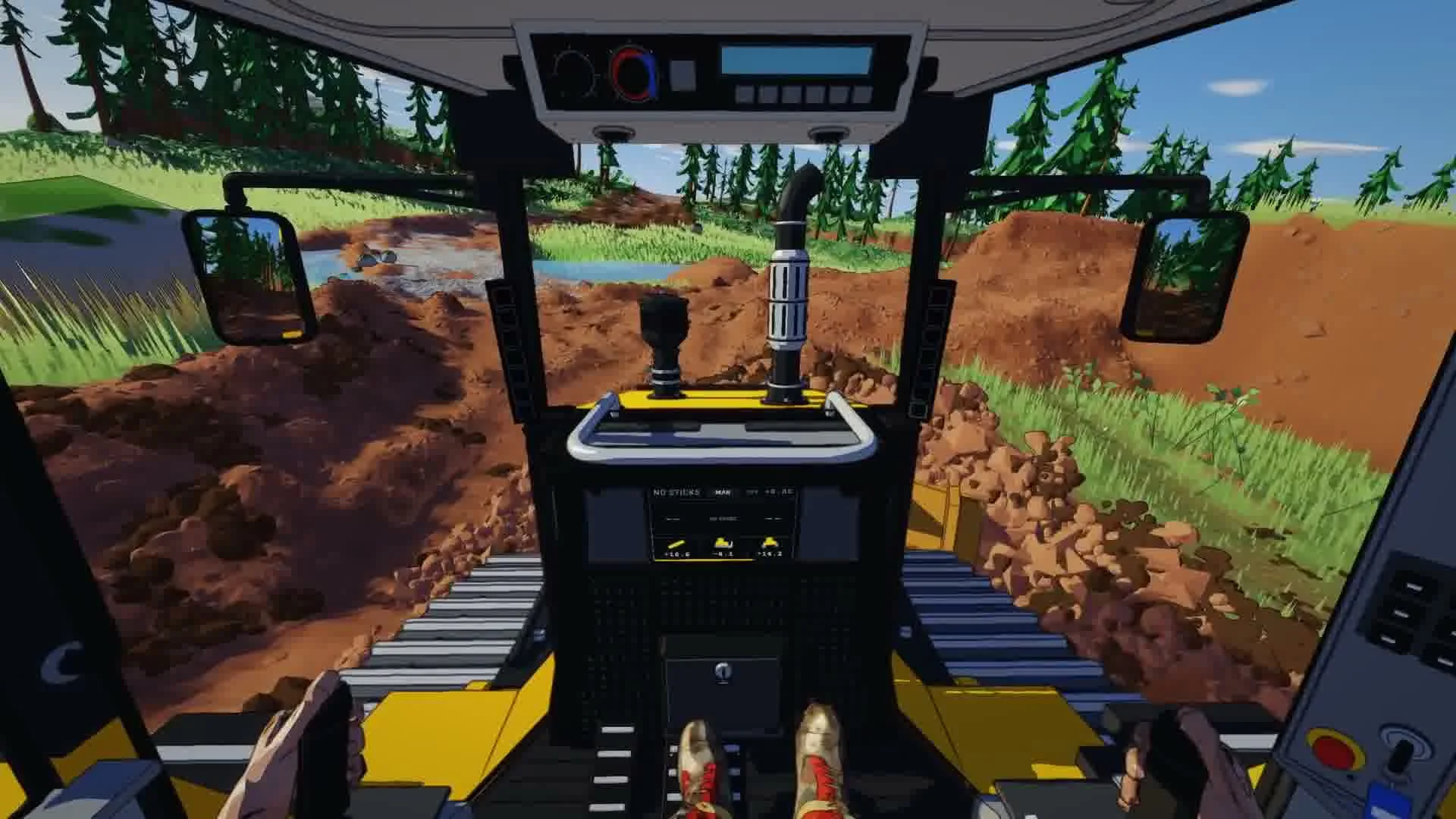
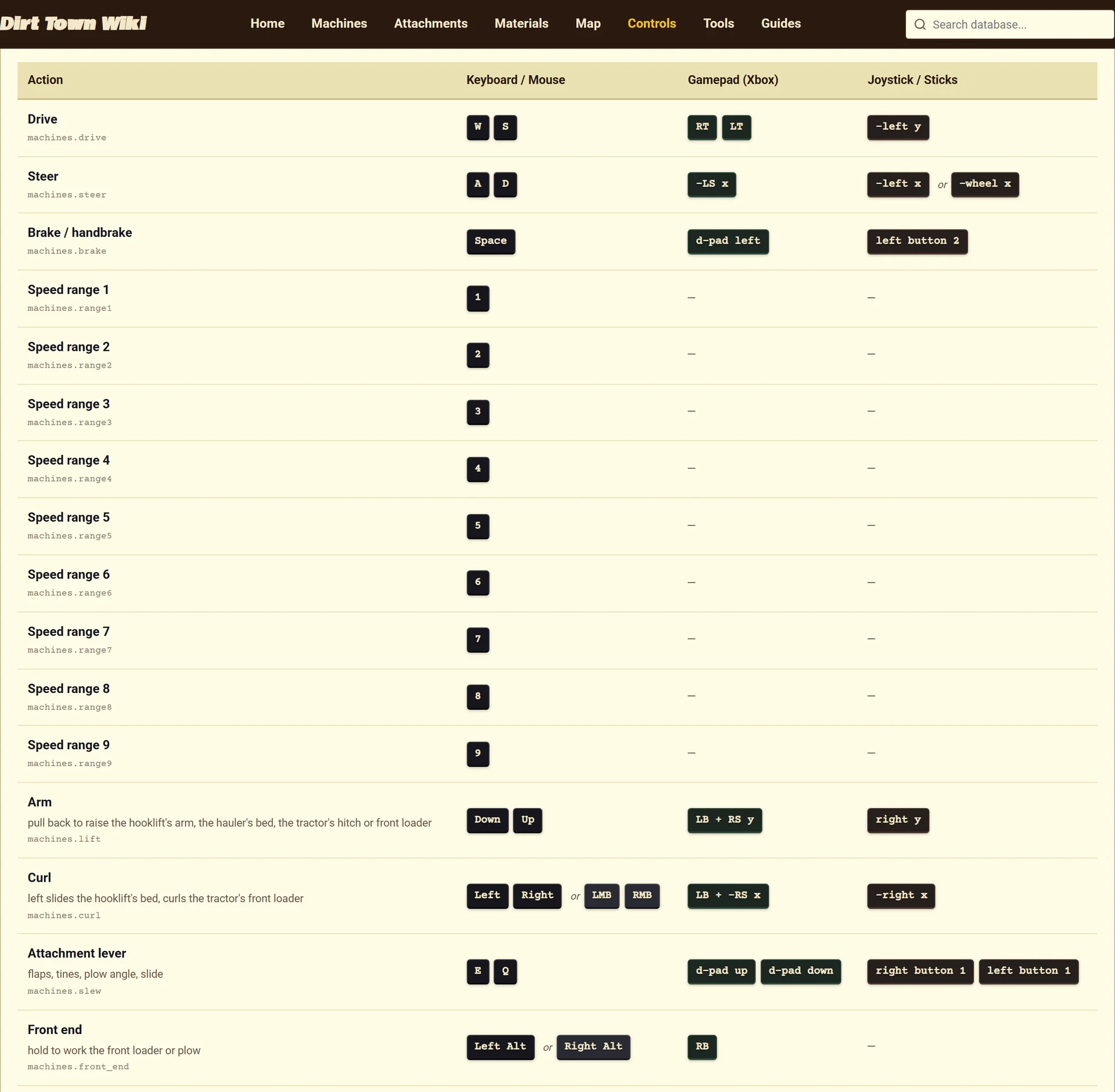
- Driving forward and reverse uses W / S on keyboard, RT / LT on gamepad, and -left y on joystick.
- Steering left and right uses A / D on keyboard, -LS x on gamepad, and -left x on joystick.
- Applying the main brake or handbrake uses Space on keyboard, d-pad left on gamepad, and left button 2 on joystick.
- Primary arm elevation uses Down / Up on keyboard, LB + RS y on gamepad, and right y on joystick.
- Attachment curling uses Left / Right on keyboard, LB + -RS x on gamepad, and -right x on joystick.
- Operating auxiliary attachment levers uses E / Q on keyboard, d-pad up / d-pad down on gamepad, and right button 1 / left button 1 on joystick.
- Engaging hydraulic float uses N on keyboard, A on gamepad, and right button 4 on joystick.
- Resetting a vehicle via respawn uses Backspace on keyboard, Back on gamepad, and right button 3 on joystick.
- Operating the recovery winch drum uses X / Z on keyboard, RS y on gamepad, and right y on joystick.
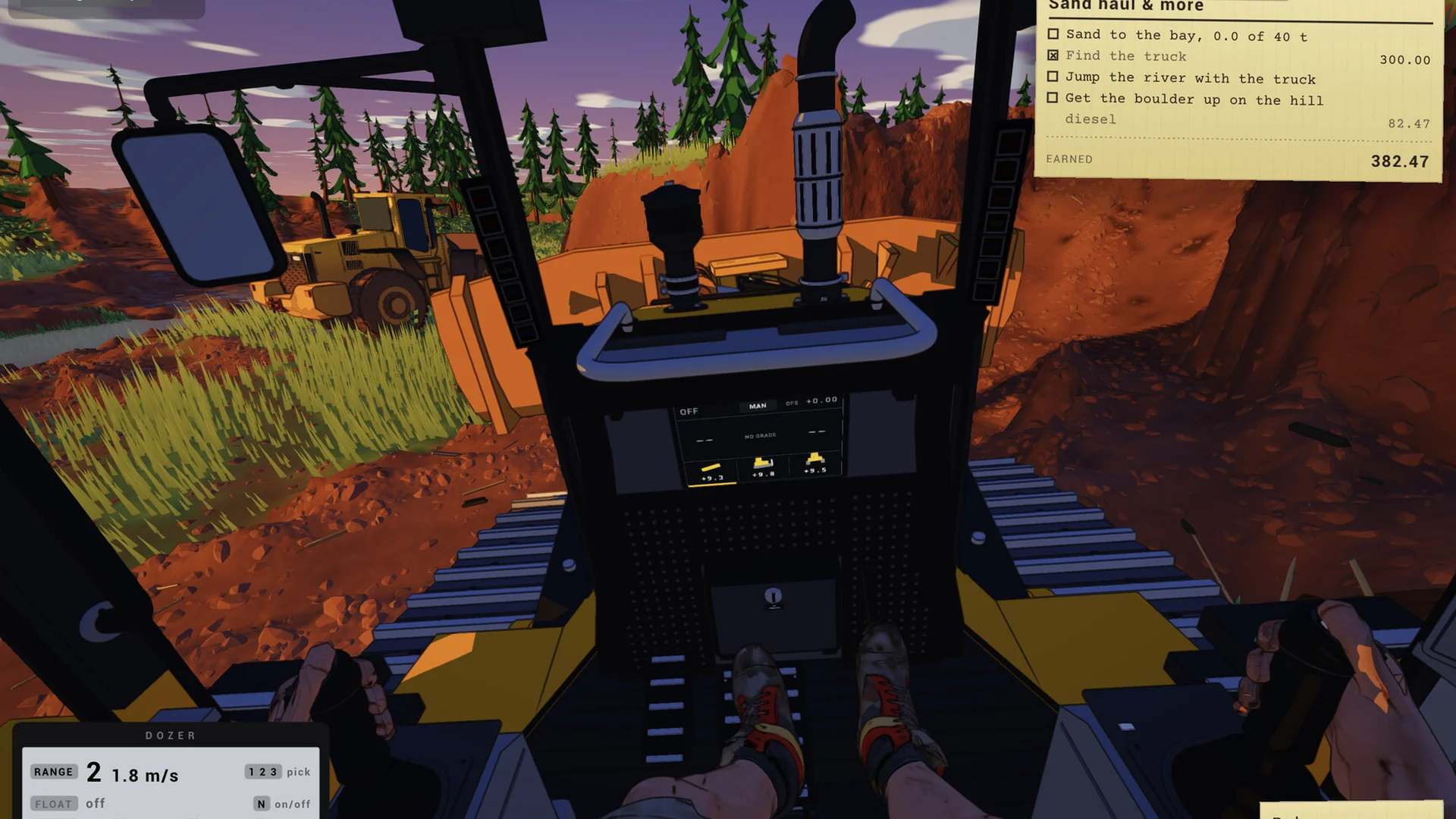
Machine Specific Controls
- On the
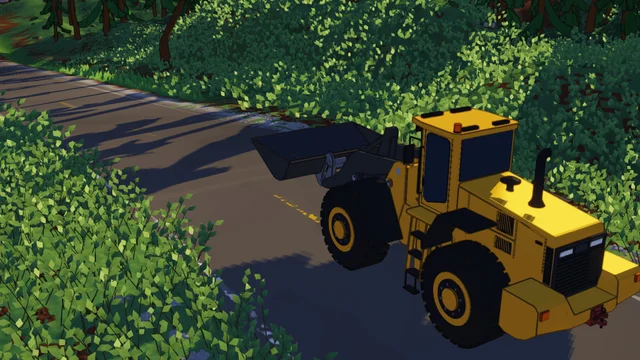 Wheel loader, raising the loader arm uses Down / Up on keyboard, LB + RS y on gamepad, and right y on joystick.
- Tilting and curling the loader bucket uses Left / Right on keyboard, LB + -RS x on gamepad, and -right x on joystick.
- On the
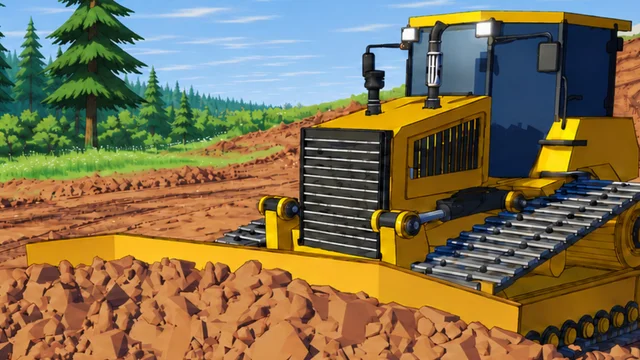 Crawler dozer, blade tilt adjustments use Left / Right on keyboard, LB + -RS x on gamepad, and -right x on joystick.
- Toggling automatic grade hold uses J on keyboard, B on gamepad, and right button 7 on joystick.
- On the
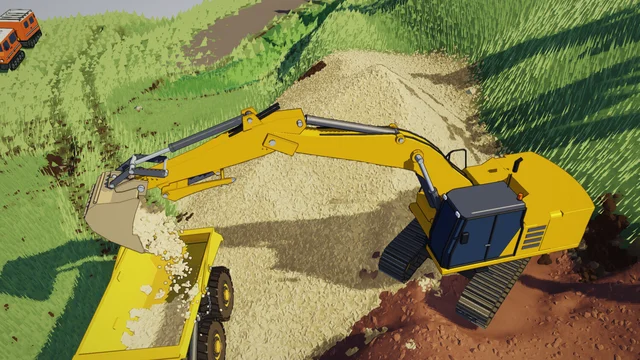 Excavator, left track drive uses W / S on keyboard, LT / LB on gamepad, and left button 1 / left button 2 on joystick.
- Driving the right track uses E / D on keyboard, RT / RB on gamepad, and right button 1 / right button 2 on joystick.
- Raising the excavator boom uses Down / Up on keyboard, RS y on gamepad, and right y on joystick.
- Rotating the excavator cab slew uses A / Q on keyboard, LS x on gamepad, and left x on joystick.
- Excavator bucket curling uses Left / Right on keyboard, -RS x on gamepad, and -right x on joystick.
Player on Foot and Utility Controls
- Cycling camera view between cab and chase uses C on keyboard, RS click on gamepad, and left button 4 on joystick.
- Placing grade sticks while on foot uses LMB on keyboard, B on gamepad, and right button 3 on joystick.
- Calling the support vehicle uses Q on keyboard and right button 4 on joystick.
Navigation and Related Guides
- For mission steps, see the walkthrough guide.
- For machine data, see the machines overview.
- For the river jump challenge, see the river jump guide.
- For implement measurements, see the attachments guide.